Best AI Attractiveness Test: How to Choose One
A practical comparison of photo feedback, scoring context, privacy checks, and the signals that make an AI face-rating tool useful.
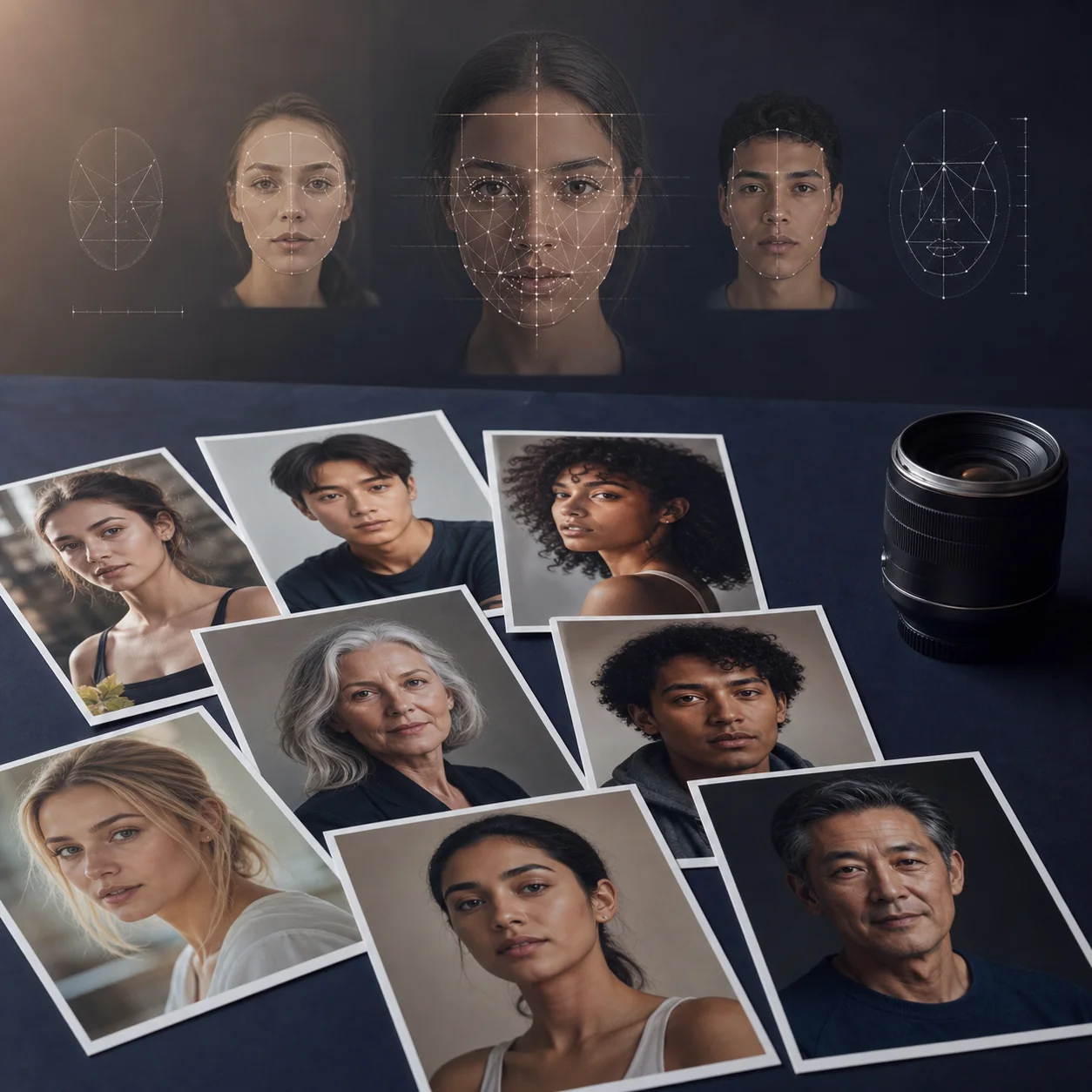
Reviewed by
Attractiveness Test Editorial Team
A product-focused editorial team writing about AI face analysis, photo selection, and responsible use of attractiveness scores.
Editorial note
There is no universal best score or best model. The right choice depends on whether you want quick photo feedback, a guided conversation, or a way to compare profile pictures.
Quick answer: what makes an AI attractiveness test worth using?
The best AI attractiveness test is not simply the one that gives the highest number. Look for a tool that explains what it reads from a photo, lets you understand the result, handles images responsibly, and gives feedback you can use when comparing portraits. A dedicated face-rating tool is usually the most direct option when you want an instant photo score; a general AI chat workflow is better when you want to ask follow-up questions about one image.
Treat the result as photo feedback, not a final judgment about your appearance. Lighting, camera distance, expression, crop, filters, and the model's training data can all change an AI face rating. The most useful test helps you compare similar photos under similar conditions and keeps the score in context.
How to choose the best AI attractiveness test
Search results often make AI face rating tools look interchangeable, but the experience can be very different. Some tools are built around a fast upload and a single score. Others focus on symmetry, facial proportions, photo quality, or conversational feedback. Before you compare numbers, compare the job each tool is designed to do.
A strong choice is transparent about the photo it needs, the type of output it provides, and the limits of that output. It should also make it easy to stop, delete, or avoid uploading a photo that contains more personal information than necessary.
Six criteria that matter more than a dramatic score
- Clear purpose: The page should tell you whether it rates a face, compares profile pictures, explains visible features, or simply generates an entertaining number.
- Useful output: A score is more useful when it comes with visible context such as photo-quality notes, symmetry cues, or a clear explanation of what changed between images.
- Consistent inputs: The tool should explain how lighting, angle, crop, expression, and filters affect the result so you can make a fair comparison.
- Privacy clarity: Before uploading, look for a plain-language explanation of retention, deletion, model training, third-party sharing, and account requirements.
- Healthy framing: Responsible copy avoids calling a score an objective measure of human worth and acknowledges that attractiveness is subjective and culturally shaped.
- A real workflow: If your goal is to choose a dating, social, or professional photo, the page should help you compare realistic alternatives instead of pushing one isolated result.
AI face-rating options compared
There is no single winner for every search. A dedicated face-rating tool is the shortest path from upload to score. A ChatGPT-style prompt is more flexible but depends heavily on the prompt, the model, and how the response is interpreted. A photo-comparison workflow is often the best fit when the real decision is which image to use, not what your face is worth.
The table below compares use cases rather than pretending that different systems produce interchangeable measurements. If you test more than one option, keep the photo, crop, and question as similar as possible, then compare the explanations as well as the numbers.

| Option | Best for | Typical feedback | Privacy question | Main caveat |
|---|---|---|---|---|
| Dedicated Face Rating AI | A fast photo score and visible face feedback | Score, symmetry cues, feature notes, and photo comparison | How are uploaded portraits processed and deleted? | Still image results depend on the photo and model |
| ChatGPT-style prompt | Follow-up questions and a guided discussion | Narrative observations shaped by the prompt and image | What data controls and retention settings apply? | Prompt wording can change the response |
| Photo comparison workflow | Choosing a profile, dating, or social photo | Differences in lighting, crop, expression, and presentation | Can you compare a low-identifying crop instead? | It does not create a universal attractiveness scale |
| Community recommendations | Discovering tools and common user concerns | Anecdotes, screenshots, and personal opinions | Do not upload sensitive images to public threads | Reports are hard to reproduce or verify |
What an AI attractiveness score can and cannot tell you
An AI attractiveness test reads a particular image through a particular scoring system. That makes it useful for controlled comparisons, but it also makes the result narrower than the wording of the search query may suggest. A score can describe how one photo aligns with a model's learned visual patterns; it cannot measure personality, chemistry, confidence, kindness, or how someone responds to you in motion.
If two strong photos receive different results, use the difference as a prompt to inspect the image: Is one sharper? Is the face more centered? Is the expression more natural? Is a shadow hiding one side? Those questions lead to better decisions than treating a decimal point as a permanent label.
| Scenario | What it can tell you | What it cannot tell you |
|---|---|---|
| One clear photo | How that image aligns with one model's visual patterns | A permanent verdict about your appearance |
| Several similar photos | Which framing or expression may communicate more clearly | Which image every person will prefer |
| Different tools | How scoring preferences and explanations vary by system | Which model is universally correct |
| Real-life interaction | Almost nothing about personality, chemistry, or presence | How people will respond to you in person |
Privacy checks before uploading a face photo
A face photo is personal data in a way that a generic text prompt is not. The best AI attractiveness test should make photo handling easy to understand before the upload button, not hide the answer in a long policy after the result appears. If the service does not explain retention or deletion, treat that uncertainty as part of the decision.
You do not need to upload the most identifying image you own. For a basic comparison, use a tightly cropped portrait without documents, children, private backgrounds, or location clues. Review the service's privacy policy and terms before testing photos that you would not want stored or reused.
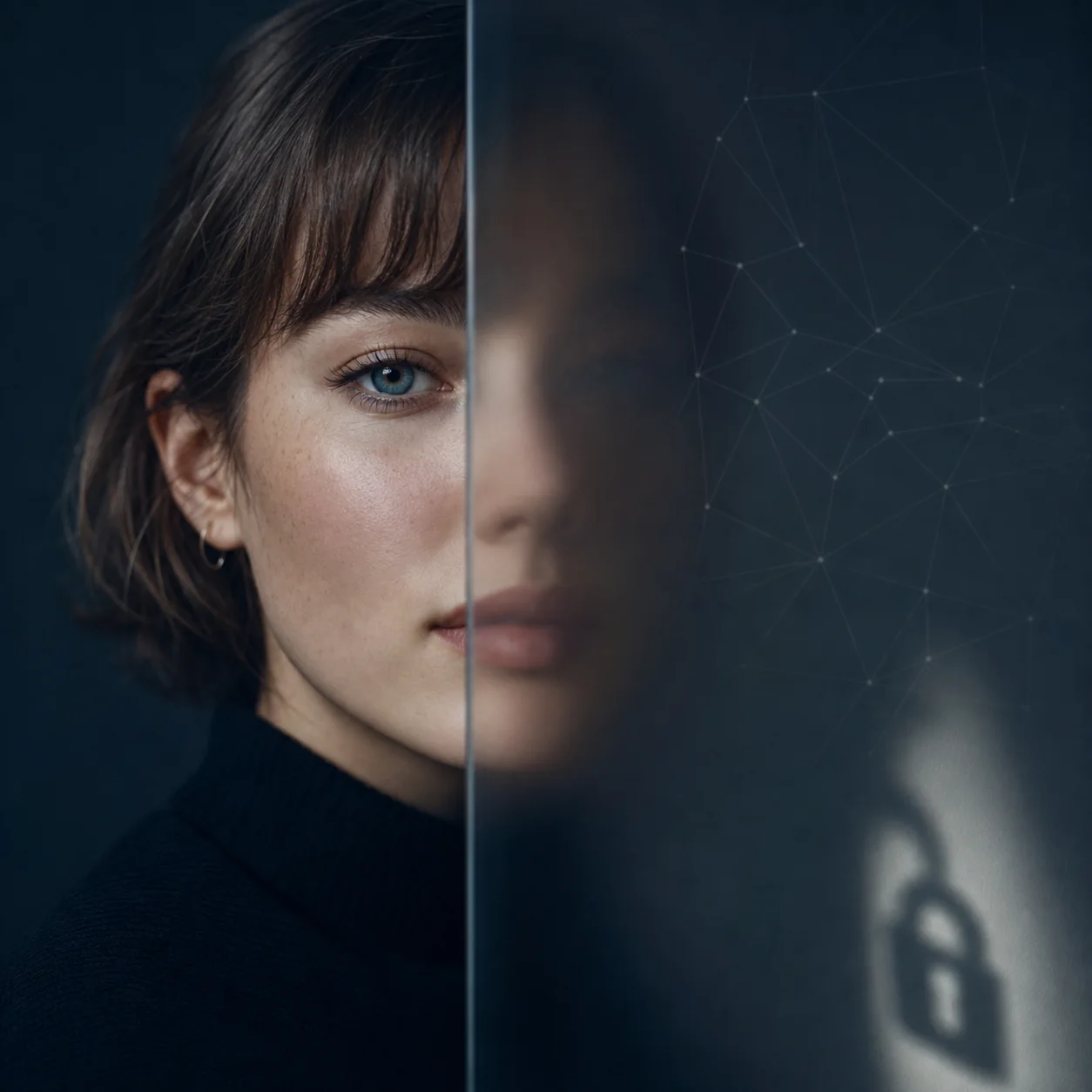
Questions to answer before you click upload
- Is the image retained?: Find out whether the photo is deleted after analysis, stored temporarily, or kept for an undefined period.
- Is it used for training?: Look for a direct statement about model improvement, human review, or reuse of uploaded images.
- Who can access it?: Check for third-party processors, analytics providers, support access, and sharing language.
- Can you use it without an account?: An anonymous, limited test may reduce the amount of personal information connected to a photo.
- What happens if the result is wrong?: A trustworthy page should explain that one output can be affected by photo conditions and model limitations.
A practical workflow for finding the right tool
Use a repeatable process if you want useful feedback rather than a random score. The goal is to reduce photo noise, keep the question clear, and compare outputs that are actually comparable.
Start with a dedicated face-rating page when you want an immediate baseline. Our Face Rating AI page is designed for a clear selfie, a score, visible feature feedback, and profile-photo comparison. If you want broader background, the AI attractiveness guide explains how these systems work and where their limits begin.
- Choose two or three realistic photos: Use similar crops and avoid mixing a polished studio portrait with a dark, tilted snapshot.
- Check the photo conditions: Prefer sharp focus, even light, a visible face outline, and minimal filters.
- Run one baseline test: Record the score and the explanation without changing several variables at once.
- Compare the explanation: Look for recurring notes about framing, expression, lighting, or visible feature balance.
- Make one practical choice: Use the feedback to select or improve a photo, not to rank your entire identity.
For a direct upload-and-compare workflow, try the Face Rating AI tool. For prompt-based feedback, read the ChatGPT attractiveness test guide first so you understand the privacy and accuracy boundaries.
Red flags to avoid
A polished landing page can still provide weak or risky feedback. Be cautious when a service makes absolute accuracy claims, hides its image policy, or encourages repeated uploads without explaining what changes between tests.
The following warning signs do not prove that a tool is malicious, but they are good reasons to stop and look for a clearer alternative.
- Guaranteed objectivity: No model can turn a subjective, culturally influenced idea into a universal truth.
- No explanation of the score: A number without inputs, context, or limitations is difficult to interpret or compare.
- Unclear photo retention: If the service will not say whether it stores or reuses your image, do not upload a sensitive portrait.
- Pressure to keep retesting: Repeated tests can magnify small photo differences and make the output feel more certain than it is.
- Medical or identity claims: An attractiveness score is not a diagnosis, a personality assessment, or a measure of social value.
Best AI attractiveness test FAQ
Want to test a photo now?
Start with a clear, front-facing portrait and use the result as practical photo feedback. You can compare a few strong images without turning the score into a verdict.
The page explains the upload flow, result context, privacy note, and common photo conditions before you begin.