ChatGPT Attractiveness Test Guide: Prompts, Accuracy, and Safer Use
A practical guide to using ChatGPT for photo feedback without confusing a language model's explanation with a dedicated face rating system.
Written By
Clara Vale
Beauty technology writer focused on AI face analysis, photo feedback, and safer interpretation of appearance-related tools.
Editorial Note
Published on July 5, 2026 after GSC checks and Similarweb keyword validation for chat gpt attractiveness test, chatgpt face rater, and related face rating accuracy queries.
The short answer
A ChatGPT attractiveness test can be useful when you want structured feedback about a portrait, but it should be treated as an explanation aid, not as a final beauty score. ChatGPT can help you describe lighting, composition, visible symmetry, grooming, expression, and photo quality. It is less reliable when you ask it to turn a face into an exact attractiveness number.
If your goal is a quick AI face rating from an uploaded image, a dedicated face rating AI tool is usually a better fit because the product flow is built around photo analysis. If your goal is to understand why one photo looks stronger than another, ChatGPT can be helpful when you ask careful questions, protect privacy, and compare more than one image.
What is a ChatGPT attractiveness test?
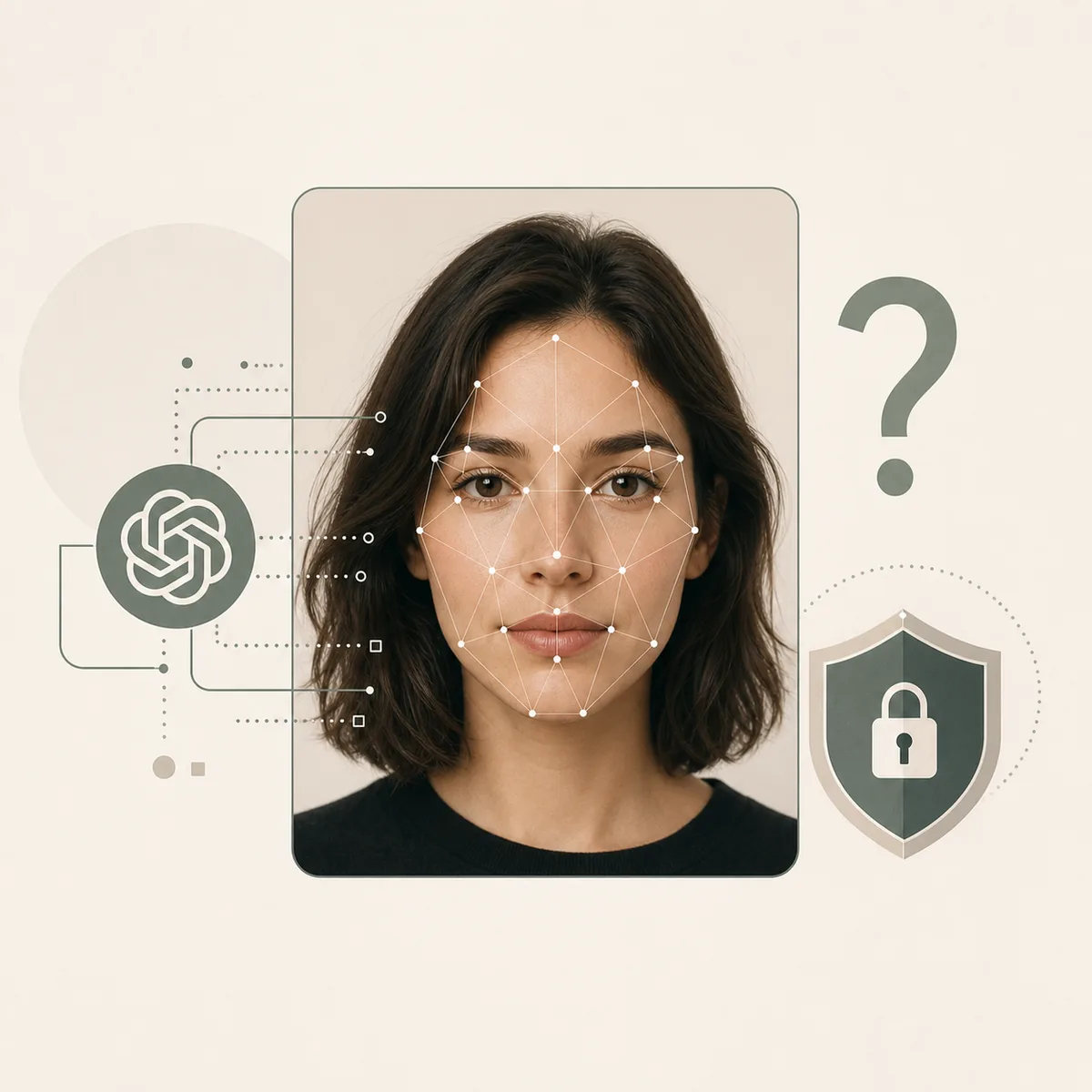
The phrase ChatGPT attractiveness test usually means one of two things. Some people upload or describe a portrait and ask ChatGPT to rate how attractive the face appears. Others ask for a prompt that turns ChatGPT into a face rater, profile-photo coach, or beauty analysis assistant. Both uses are understandable, but they are not the same as a purpose-built computer vision test.
ChatGPT is strongest at explanation. It can turn visible observations into plain language: whether the lighting is flat, whether the camera angle distorts the face, whether a smile looks tense, or whether the crop hides key features. It can also help you compare two portraits by asking what changed between them.
Where the query becomes risky is the numeric score. A single 1-10 rating can sound objective even when the photo is blurry, angled, filtered, or culturally biased. The safer way to use ChatGPT is to ask for photo feedback first and treat any score as a rough label for the submitted image, not as a personal identity.
What ChatGPT can and cannot judge well
- Can describe photo quality: Lighting, blur, lens distance, crop, expression, and background are usually easier to discuss than personal attractiveness.
- Can structure feedback: It can separate strengths, weak spots, and practical photo retake suggestions.
- Can compare images: Side-by-side reasoning is often more useful than one isolated score.
- Cannot define your real attractiveness: A still image misses movement, voice, confidence, personality, chemistry, and context.
- Cannot remove bias automatically: Any appearance rating can reflect training data, cultural preferences, and subjective assumptions.
ChatGPT attractiveness test vs a dedicated face rating AI
Search intent matters here. Someone typing chat gpt attractiveness test may want a prompt, an explanation of whether ChatGPT can judge a face, or an alternative when ChatGPT refuses to provide a score. That is different from someone typing face rating AI, who usually expects an upload-first tool and a direct result.
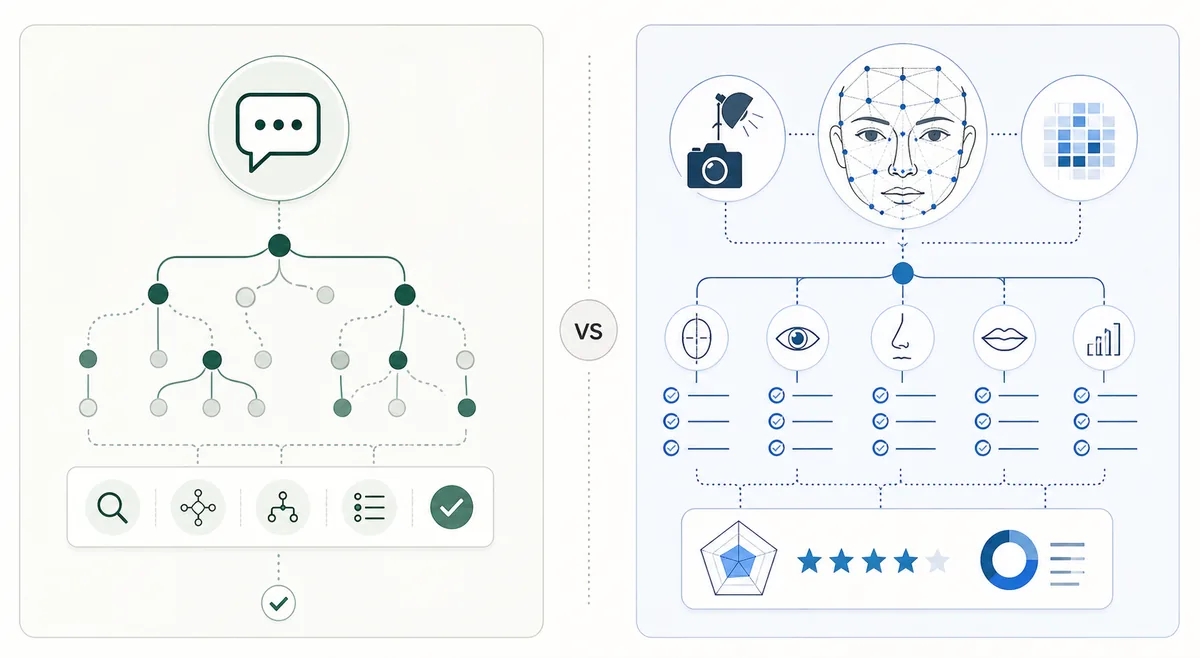
A dedicated face rating system can be designed around landmarks, proportions, photo validation, repeatable scoring, and a result page. ChatGPT is more flexible, but flexibility also means the answer depends heavily on the prompt, the model version, available image features, and how carefully the user frames the task.
The best architecture is to use this guide for the educational question, then send users who want an upload-first workflow to the existing Face Rating AI page. That keeps the new page from competing with the core tool page while still capturing the ChatGPT-specific search intent.
Before uploading photos, review OpenAI's file upload guidance and remember that AI systems also need risk controls, as described in NIST's AI Risk Management Framework.
| Use case | ChatGPT fit | Dedicated AI tool fit |
|---|---|---|
| Photo coaching | Strong fit for explanations, prompts, and retake advice. | Useful when the goal is improving a photo. |
| Numeric score | Can be inconsistent and prompt-sensitive. | A dedicated scoring flow is easier to compare. |
| Privacy framing | User must decide what to upload and what context to share. | A careful prompt can reduce unnecessary disclosure. |
| Repeatability | Answers may vary by wording and context. | Repeatability matters when testing several photos. |
How to use ChatGPT for photo feedback without overclaiming
Start with a narrow question. Instead of asking, Am I attractive?, ask for feedback on the image: lighting, angle, facial visibility, expression, framing, and whether the photo suits a dating profile, professional headshot, or social avatar. This shifts the task from judging a person to improving a photo.
Give context. A prompt for a dating profile should not be the same as a prompt for a LinkedIn headshot. Tell ChatGPT what the photo is for, whether you want gentle or direct feedback, and whether you prefer practical retake advice over a score.
Ask for uncertainty. Good prompts tell the model to explain what it cannot judge from one image. That includes real-life presence, personality, age perception outside the photo, and whether the score would change under better lighting. If the answer sounds too certain, ask it to list assumptions.
| Variable | Effect | Practical tip |
|---|---|---|
| Lighting | Dark or harsh light changes facial perception. | Use soft front light. |
| Lens distance | Close selfies can distort proportions. | Step back and crop later. |
| Expression | A tense face can read less approachable. | Try a relaxed soft smile. |
| Prompt wording | Harsh prompts can produce harsh framing. | Ask for practical photo feedback. |
How accurate is ChatGPT face rating?
Accuracy depends on what you mean by accurate. ChatGPT can be accurate at noticing visible photo problems such as poor lighting, close-lens distortion, hidden facial landmarks, or an expression that reads tense. It can be less accurate at producing a stable attractiveness score because that requires a consistent rating method and enough visual context.
Even a dedicated AI attractiveness score is not a universal truth. It is a model output based on the submitted image. ChatGPT adds another layer: it may reason from a description, an image, or the user's framing. Small prompt changes can change the tone and detail of the answer.
For practical use, treat ChatGPT feedback as a photo critique. If the same advice repeats across several clear images, it may reveal a real presentation pattern. If the score jumps from photo to photo, the tool is telling you that lighting, crop, expression, and lens distance matter more than the number.
| Output type | What it means | Better next step |
|---|---|---|
| Exact score | A simplified impression of one image. | Ask what visible factors affected it. |
| Broad range | Usually safer than decimal precision. | Compare another photo. |
| Refusal or caution | The model may avoid personal judgments. | Reframe as profile-photo coaching. |
| Photo critique | Most useful for action. | Retake or choose the stronger image. |
Prompt checklist for better ChatGPT face feedback
A good prompt keeps the task specific and respectful. It should tell ChatGPT to evaluate the photo, not the person's value. It should ask for practical advice, avoid harsh language, and separate confidence levels. If you request a score, ask for a broad range rather than a precise decimal.
Example prompt: Analyze this portrait as a profile-photo coach. Focus on lighting, camera angle, expression, grooming, facial visibility, and photo quality. If you mention attractiveness, keep it broad, explain uncertainty, and give three practical retake suggestions.
For comparison: Compare these two photos for a dating profile. Which one gives a clearer, more approachable impression, and what specific visual factors explain the difference?
Prompt elements to include
- Purpose: Dating profile, headshot, social avatar, or photo selection.
- Tone: Direct but respectful, practical, and non-judgmental.
- Evidence: Ask for observations tied to visible photo details.
- Uncertainty: Ask what cannot be judged from one image.
- Action: Request retake tips, crop advice, or which photo to choose.
When to use a dedicated AI attractiveness test instead
Use a dedicated AI attractiveness test when you want a direct upload flow, a consistent face rating format, or a result that is easier to compare across photos. The existing Face Rating AI page is built for that task and can sit closer to the user's original upload intent.
Use ChatGPT when the question is interpretive: Why did this photo look worse?, What should I retake?, How should I ask for fair feedback?, or How seriously should I take the score? Keeping those roles separate reduces keyword cannibalization and gives readers a clearer next step.
Avoid creating a habit of chasing exact scores across many tools. For most users, the useful outcome is not a perfect number; it is one better, clearer, more authentic photo.
Photo privacy, consent, and emotional safety
Appearance feedback can feel personal, so privacy and consent matter. Do not upload someone else's face for attractiveness scoring without permission. Avoid images of minors, private situations, medical context, or anything that could expose sensitive identity details.
Also consider emotional safety. If you already feel anxious about appearance, repeated scoring can become a loop. In that case, use the tool only for concrete photo decisions such as choosing between two profile pictures, and stop once you have a practical answer.
For public-facing photos, remove unnecessary metadata when possible and avoid including documents, addresses, badges, school logos, or private backgrounds. A safer attractiveness test starts before the upload.
Before uploading a face photo
- Use your own image: Only test photos you have the right and consent to use.
- Crop private details: Remove addresses, IDs, workplace badges, and background clues.
- Avoid minors and sensitive settings: Do not use images where appearance scoring would be inappropriate or harmful.
- Limit repeated scoring: Use one or two clear photos, then focus on practical improvements.
- Keep the question photo-based: Ask what would make the image stronger, not what your worth is.
A safer ChatGPT attractiveness test workflow
A better workflow starts with photo quality, not attractiveness. First choose a clear image with even light, natural distance, visible eyes, and no heavy filter. Then ask ChatGPT to point out technical factors that may affect a rating. Only after that should you ask for a broad attractiveness impression, and even then it should come with caveats.
Next, compare. Upload or describe a second photo with different lighting or expression and ask which one is stronger for your goal. This comparison usually gives more useful feedback than a single score because it leads to an action: retake, crop, change expression, or choose the better image.
Finally, decide whether you need a dedicated tool. If you want a repeatable score, a structured face rating, or a result page, use the site's Face Rating AI page. If you want prompt help, explanation, and photo coaching, ChatGPT can stay in the loop.
Step-by-step workflow
- Check the image: Make sure the photo is clear, front-facing, and not heavily filtered.
- Ask for photo feedback first: Request comments on light, angle, crop, expression, and clarity before any score.
- Compare a second photo: Use another image to see whether advice is stable or photo-specific.
- Ask for uncertainty: Require the answer to separate visible evidence from assumptions.
- Use a tool when you need output: Switch to Face Rating AI when you want a structured rating page.
FAQ
Want a structured face rating instead?
If you want an upload-first result, use the dedicated Face Rating AI page. If you want broader background on how AI beauty analysis works, read the full AI attractiveness guide.
For best results, compare two clear photos and focus on presentation patterns instead of chasing a permanent score.
References and context
- OpenAI Help Center: File uploads and image handling guidance.
- NIST AI Risk Management Framework: context for uncertainty, risk, and responsible AI use.
- Similarweb keyword generator checks completed for phrase match, related keywords, and question keywords on July 5, 2026.